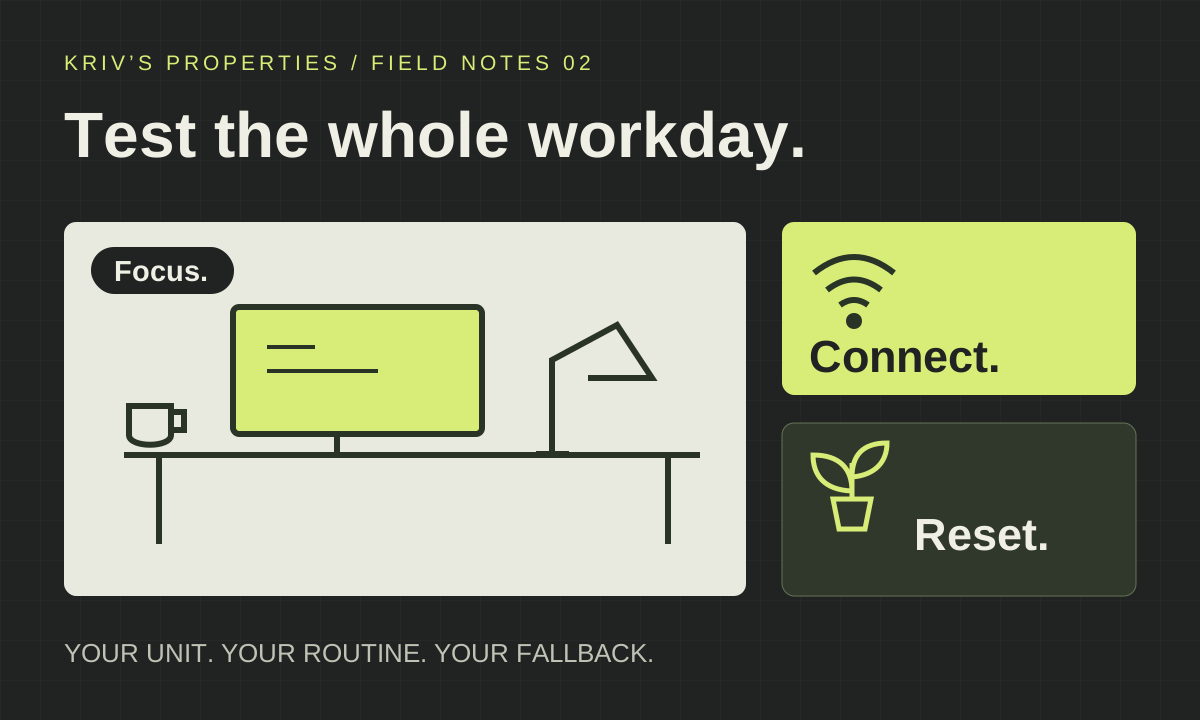
1. Describe the workday the condo must support
Start with a normal week. When are your calls? How often do you need quiet, uninterrupted work? Does someone else use the unit at the same time? A hybrid worker who leaves for the office most mornings has a different brief from someone taking late-night client calls.
Write a short scenario rather than searching for a vaguely “work-ready” home. For example: two adults, overlapping calls twice a week, one fixed desk and a separate place for the second call. This is a hypothetical household, not a client story. The point is to test whether the spaces can work together without displacing essential daily activities.
- Your usual working and sleeping hours.
- The number of simultaneous workers or callers.
- Equipment that needs a permanent place.
- Office visits or other destinations you still need to reach.
2. Check the connection path for the exact unit
Ask the building administrator and your intended provider what can be installed at the exact address, tower and unit. Request written confirmation of the available options, required permissions and installation process. An internet logo on a brochure or Wi-Fi in the sales office does not establish your unit’s service.
PLDT’s own preparation guidance assigns in-house wiring to the customer through an electrician or building administrator and calls for access permissions where applicable. That supports checking the installation path early; it does not confirm that PLDT can serve any property linked here.
If a connection is already active and you have permission, try your normal work task at the proposed desk: a call, file upload or remote login using non-sensitive test material. Record the time, connection and device. One successful test is useful evidence for that moment, not an uptime guarantee.
- Which providers and connection types are available to this unit?
- Who handles the internal wiring and where would the router sit?
- What building permissions and appointments are required?
- What remains unconfirmed before your intended move-in?
Source context: PLDT Home: Fiber installation preparation
3. Test the desk and the private-call space separately
Mark your actual desk, chair and equipment on a dimensioned plan. Check door movement, circulation and where cables would run. During a permitted viewing, sit or stand at the proposed position and look at the screen direction, nearby light and background. Record what you can observe rather than assuming the showroom arrangement fits your offered unit.
Now test an overlapping call or a household interruption. Can someone cook, enter the room or rest without crossing the camera view or competing for the same space? A second bedroom may help some households, but the label alone does not establish privacy or sound isolation. If those are essential, assess the particular unit and obtain suitable specialist input where necessary.
4. Read residential features as residential features
Rockwell’s IPI overview separates Lincoln residences from its office component and lists a Library Lounge. Its workstyle article discusses offices. Those are different source contexts: office-building features do not establish residential backup-power coverage, and a lounge label does not establish permission for calls.
For any candidate, ask for the rules that apply to your intended activity and the specific building. If a shared room is essential to your workday, check opening hours, reservation arrangements, any charges, guest access and whether calls are permitted. Keep an unanswered item unresolved instead of counting it as an available workspace.
- Where may residents take calls without disturbing other users?
- Is the facility open and accessible to the offered residential unit?
- Is booking required, and what happens if it is occupied?
- Does the described backup power serve the unit, selected outlets or only common areas?
Source context: Rockwell at IPI Center: official residential and mixed-use overview · Rockwell: Distinct workstyle comes to IPI Center
5. Plan a fallback you can actually use
Consider what you would do if the usual connection or workspace were unavailable. Test your proposed mobile alternative in the actual working spot where possible. If the fallback is another venue, check its opening hours, access, call policy and practical route before relying on it. A nearby café or office building is not automatically a dependable private workspace.
Also walk through the non-work parts of the day: eating, deliveries, errands and time away from the desk. In a compact home, identify where equipment can stay or be put away when work ends. These are household choices, not a claim that one city district or bedroom count suits every remote worker.
6. Turn the test into a useful property brief
For each candidate, make four short notes: confirmed fit, compromises, unverified essentials and next evidence needed. Do not let several appealing extras cancel out one unresolved requirement that your work depends on. Keep the unit reference and source date beside every written answer.
Include your work hours, number of occupants, private-call needs, preferred location, budget with currency and move timeline in your shortlist request. The linked IPI and Wave project briefs offer existing Cebu research starting points. Their inclusion is not a claim of verified connectivity, office-use permission or a recommendation for remote workers. Ask for the current unit-specific documents before judging fit.
Buyer questions
Does being near Cebu IT Park guarantee suitable home internet?
No. An address or nearby business district does not establish service for your exact unit. Ask the provider and building administrator about availability, wiring, permissions and installation.
Can I treat a library lounge as my everyday office?
Only after checking the rules and practical access for that facility. Confirm hours, booking, calls, guests and any fees. The amenity name alone does not settle those points.
Does building backup power keep my laptop and router running?
Ask what the residential system actually supplies and under what conditions. Do not infer in-unit coverage from a common-area or office-building specification.
Is a one-bedroom always better than a studio for remote work?
There is no universal answer. Compare the exact desk position, call privacy, circulation and household routine. A bedroom label is not evidence of usable separation or sound isolation.
Keep these three things
- Verify connectivity and installation for the exact unit.
- Check residential services and shared-space rules without borrowing office specifications.
- Test the whole household workday, including a realistic fallback.